

Pay from your mobile with Samsung Wallet and ABANCA

Contactless

Easy and simple

Secure and convenient payments
Discover step by step how it works
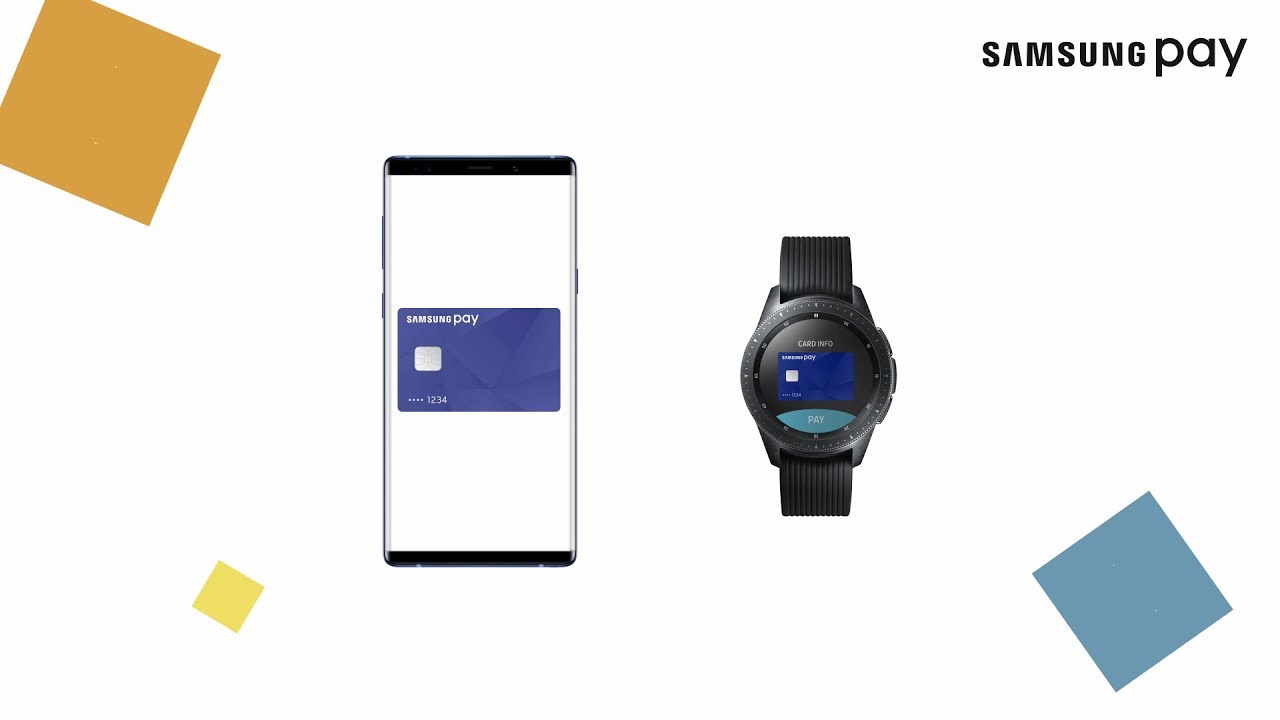

Access

Identify Yourself

Tap and Pay
Which devices can I use to pay with Samsung Wallet?
You can check the list of devices compatible with Samsung Wallet on the Samsung websiteYou will be redirected to another website.
Everything you need, on your mobile
Download our remote banking app and check your transactions, activate or deactivate a card, pay bills just by taking a photo of them… Whenever and wherever you want.
Have questions? We have answers
Questions
Las operaciones con Samsung Wallet se procesan en dos fases.
La primera fase es la autorización, que genera el bloqueo del importe correspondiente en tu cuenta o tarjeta. La segunda fase es la liquidación, que se produce unos días más tarde. Ese el momento en que se hace efectivo el cargo en tu cuenta o tarjeta, y la razón por la que tarda varios días en aparecer en tus movimientos.
Samsung WalletIt will open in a new window es una solución de última generación con la que puedes realizar transacciones de manera sencilla y segura en comercios, además de gestionar llaves, documentos de identidad. Con Samsung Pay podrás pagar tanto en Internet como off-line. Para ello solo tienes que acercar el dispositivo móvil compatible al terminal de punto de venta (TPV) contactless. Durante el proceso para asociar una tarjeta a tu servicio de Samsung Pay es necesario que el móvil tenga cobertura de datos y acceso a la red telefónica para recibir SMS. Una vez finalizado el proceso de enrolamiento (asociación de la tarjeta) para realizar un pago con Samsung Wallet no es necesario tener conexión de datos ni wifi activado.
Los dispositivos Samsung compatibles tienen instalada la aplicación de Samsung WalletIt will open in a new window, aunque en algunos casos puede ser necesaria una actualización del software del móvil.
No, no puede. Samsung WalletIt will open in a new window protege tus pagos con tres capas de seguridad. Los datos codificados de la tarjeta se almacenan en el elemento seguro y nunca se comparten con el establecimiento, ni los bancarios ni tus contactos.
Puedes asociar a Samsung WalletIt will open in a new window cualquier tarjeta Visa o Mastercard de ABANCA. No son compatibles las tarjetas prepago ni la tarjeta comercio.
No te preocupes, porque nadie puede hacer pagos ni acceder a tu información bancaria sin la huella o el PIN de tu Samsung Wallet. Para aumentar la seguridad, el servicio Find My Mobile de Samsung permite bloquear o borrar Samsung Wallet y sus tarjetas de pago.
La imagen de la tarjeta que se ha generado para el servicio Samsung WalletIt will open in a new window es un diseño estándar, por lo que es posible que no coincida exactamente con la tarjeta física. Comprueba únicamente que coincidan los últimos cuatro dígitos que aparecen en la imagen con los de tu tarjeta física.